
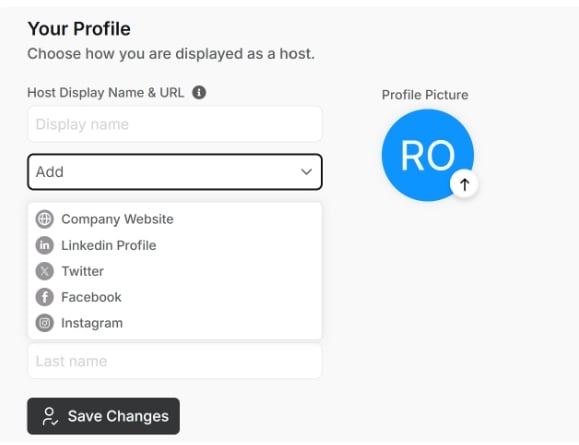
- Add or update their name
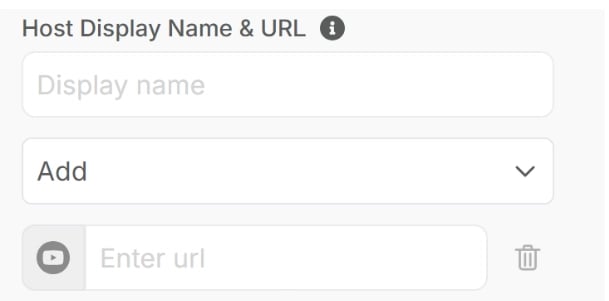
- Provide their company, social media URL, etc
- Upload or change their profile photo
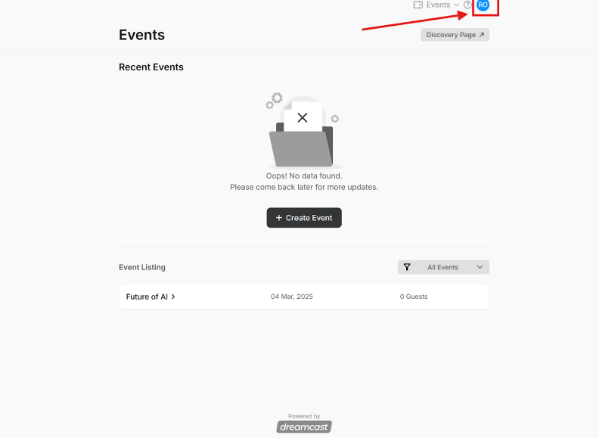
1. Your Profile Section
-1.png?fit=max&auto=format&n=f3gToxD9gK-VL7vV&q=85&s=3f0caf56e5df513a468733476aab3636)
- Host Display Name – Enter the name you want to display.
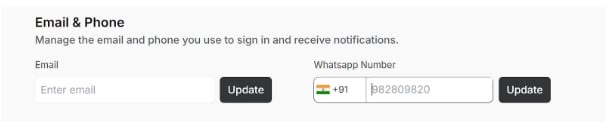
2. Email & Phone Section
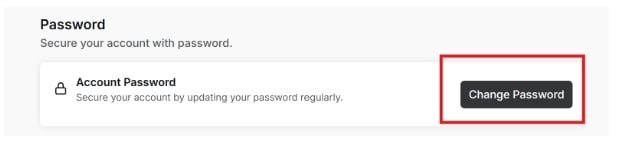
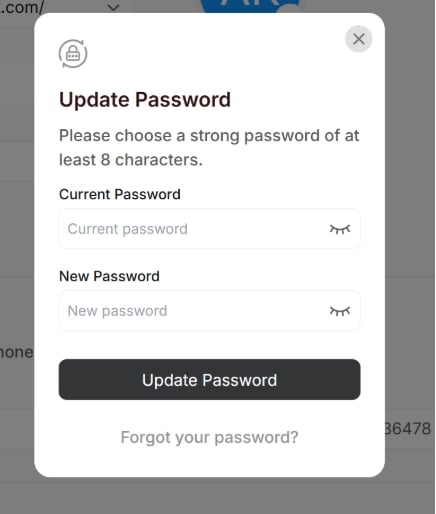
3. Password Section
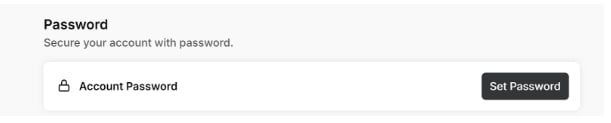
- Set Your Password – Create a strong password to protect your account.
- Confirm Password – Re-enter the password to ensure accuracy.
- Save Changes – Click the Save Changes button to update your password.
Related articles